Screenshot Clean

Screenshot Clean

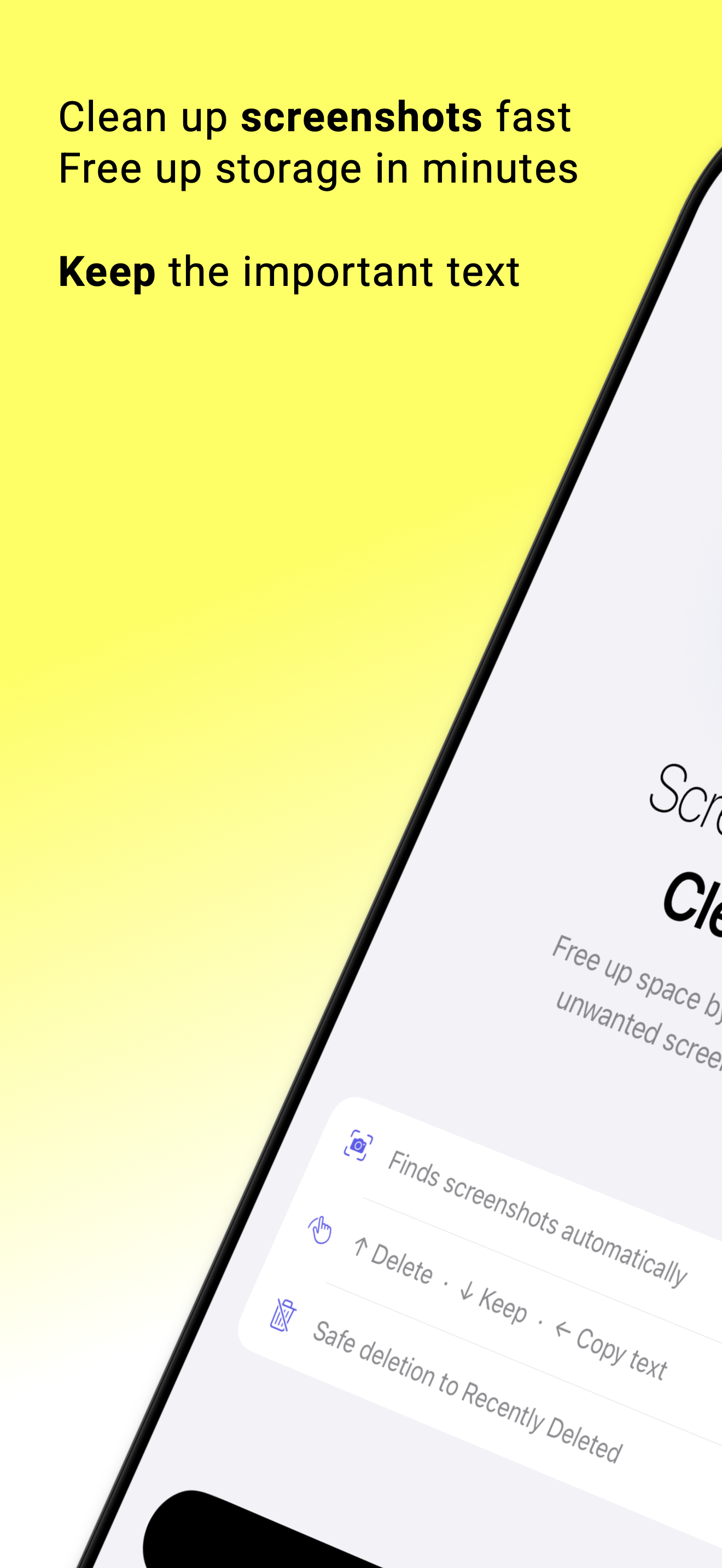
Free up gigabytes in minutes. Find every screenshot on your iPhone โ€” swipe to delete, copy text, keep what matters.

One-time purchase  |  No subscription  |  Less than a coffee

Download on the App Store

See it in action

Welcome
Onboarding
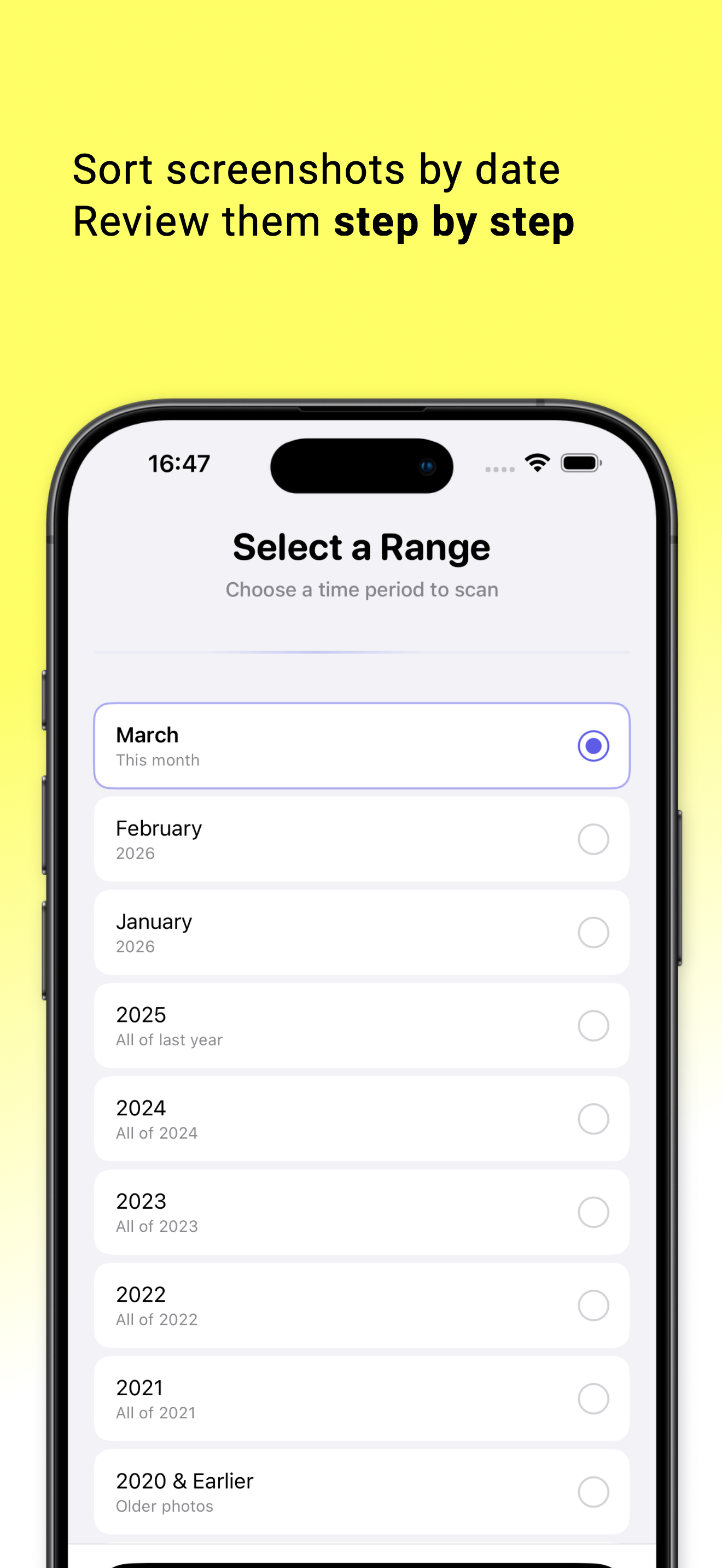
Select Range
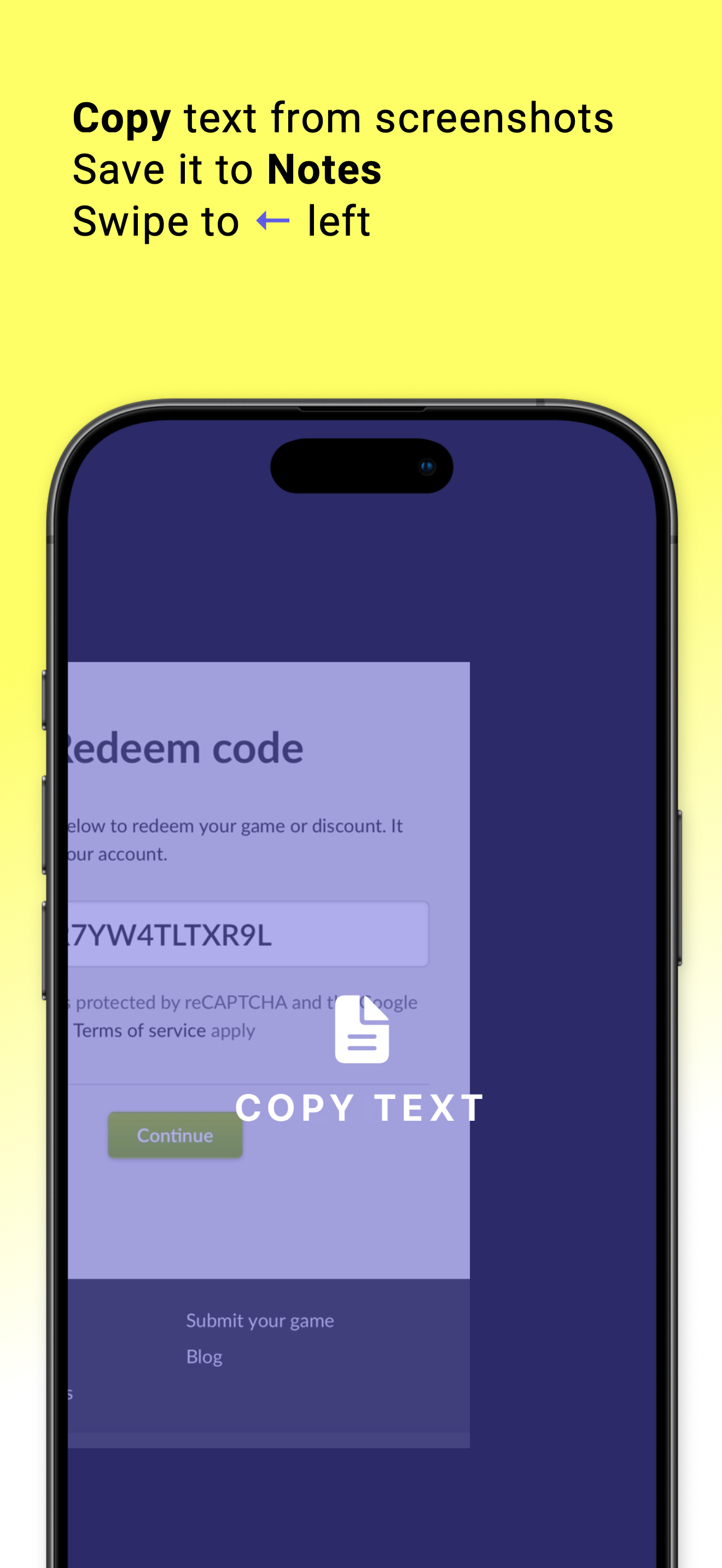
Copy Text
Swipe Review
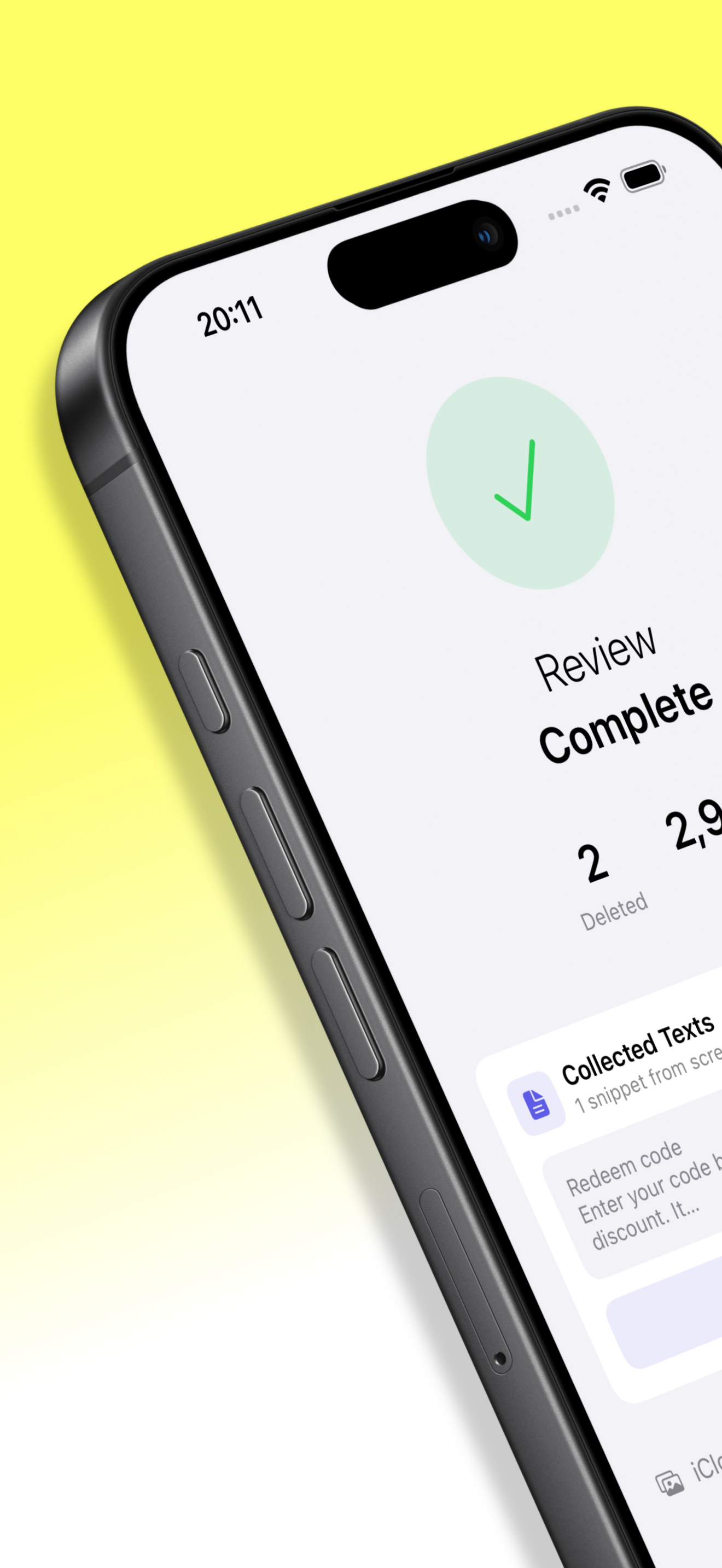
Review Complete
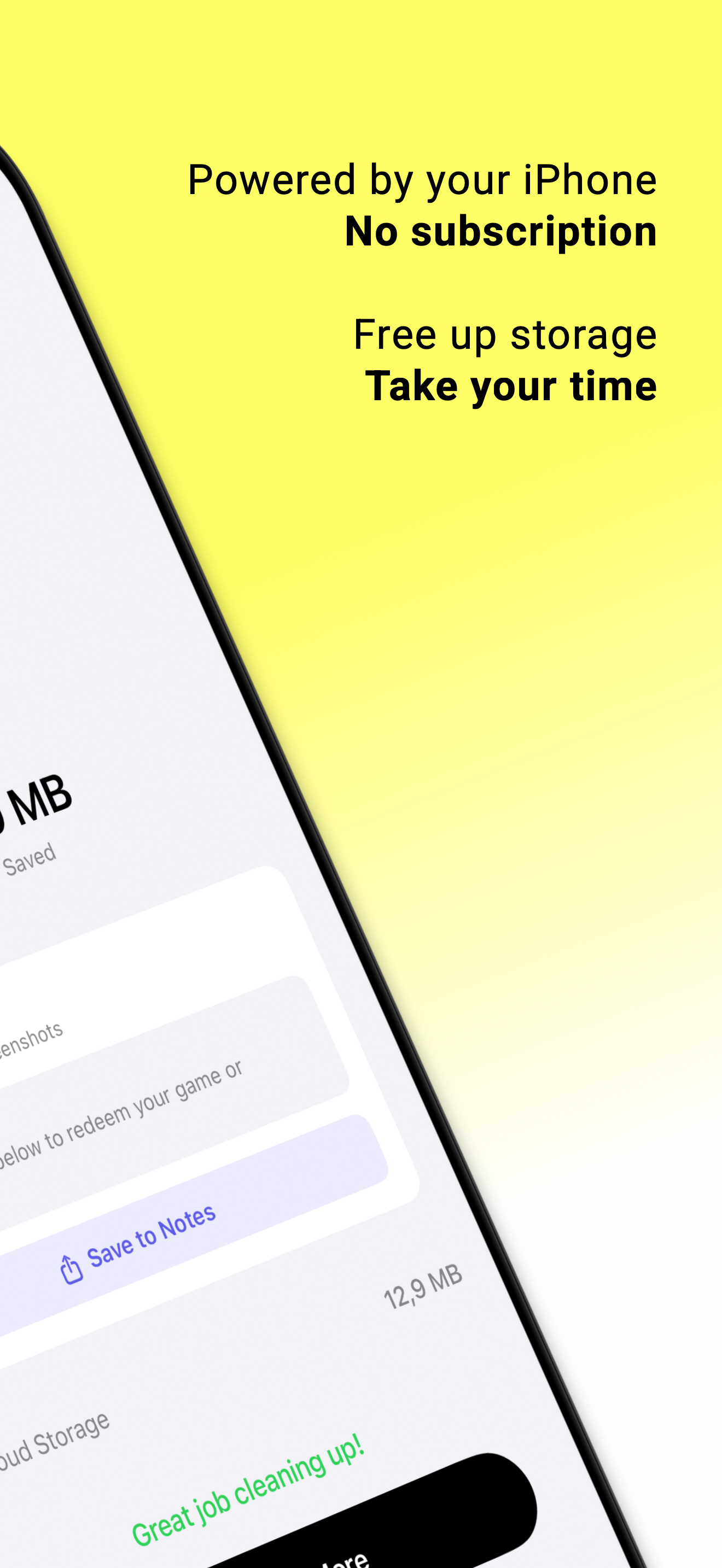
Results

Everything you need. Nothing you don't.

๐Ÿ”

Smart Scan

Instantly finds all screenshots sorted by date range โ€” review thousands in minutes.

๐Ÿ“‹

Copy Text

Extract text from any screenshot โ€” paste into Notes, iMessage, or Safari, then delete.

๐Ÿ‘†

Swipe to Review

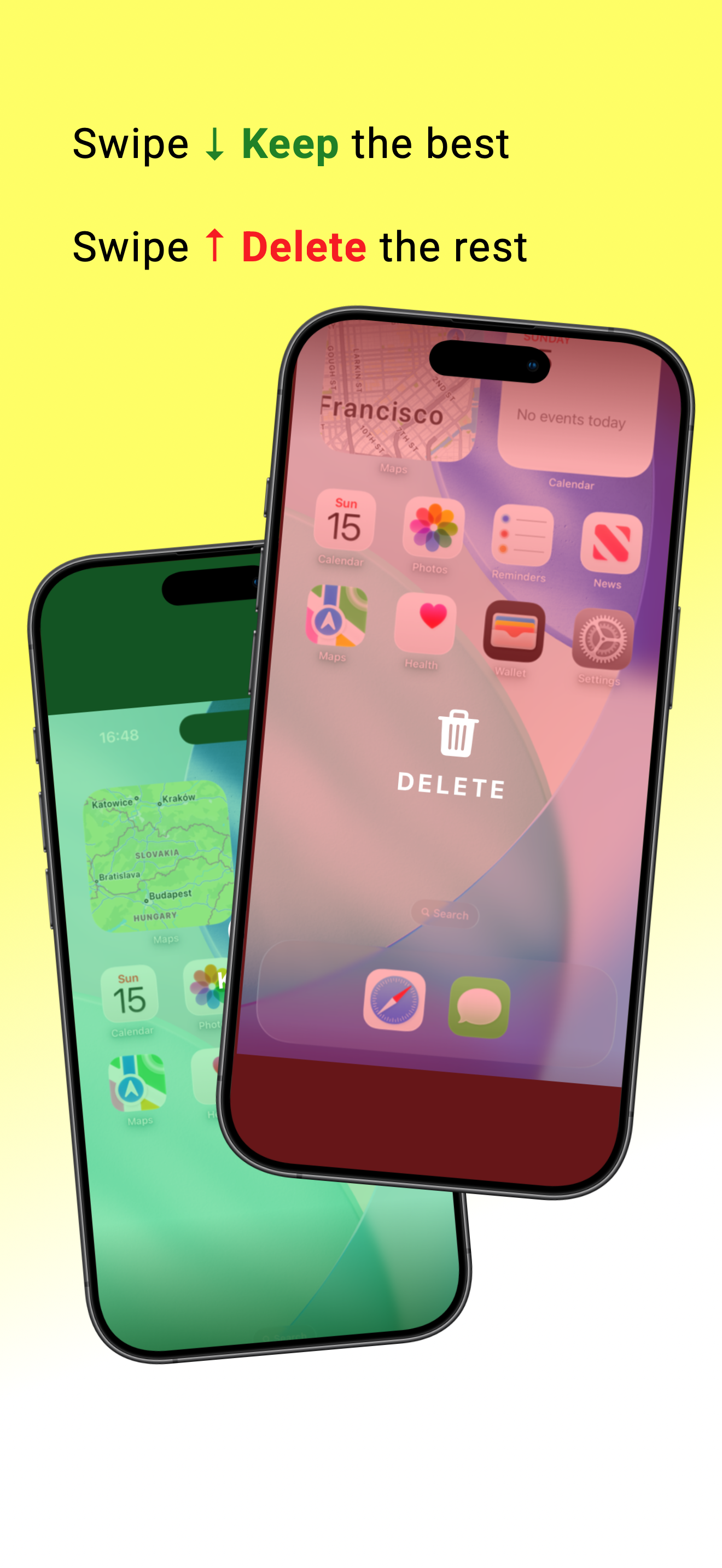
Swipe up to delete, down to keep. Review hundreds of photos in seconds.

๐Ÿ”’

100% Private

Everything on your device. No uploads, no accounts, no subscriptions.

Simple, honest pricing

No subscription. No trial. No dark patterns. Pay once โ€” yours forever.

One-time purchase
Less than a coffee.
Yours forever.
  • โœ“ All current features
  • โœ“ All future updates included
  • โœ“ Copy Text โ€” save info, delete screenshots
  • โœ“ Works 100% on-device, no account needed
  • โœ“ No subscription. Ever.
Download on the App Store

Competitors charge $5โ€“8 per week via subscriptions.
Screenshot Clean: pay once, done.

Need Help?

Have a question or found a bug?
We'd love to hear from you.

โœ‰ Contact Support

FAQ

Does Screenshot Clean delete photos automatically?

โŒ„
No. You review every photo yourself and choose what to delete. Nothing is removed without your confirmation.

Does the app upload my photos anywhere?

โŒ„
Never. All processing happens locally on your device. No servers, no cloud, no accounts.

What is Copy Text?

โŒ„
Copy Text uses on-device OCR to extract text from a screenshot โ€” save the info, then delete the image.

How much does Screenshot Clean cost?

โŒ„
$0.99 one-time purchase. No subscription, no hidden fees, no in-app purchases. Pay once, use forever.

Which iPhones are supported?

โŒ„
Screenshot Clean requires iOS 16 or later and works on all modern iPhone models.